
07 Aug
20 Comment(s)
33718 View(s)
How to install the software needed for the OBD cable J2534 for TOYOTA Diagnostics with Tango?
- Go to https://auto-keys.eu/.
- Click on the "Download" section.
- From section "Tango" choose "Tactrix installation file" to download the software.
- Save the file on your computer and start the file when the download is complete.
- Follow the installation instructions and finish the installation.
- Open Your Computer >> Manage(right click on "Your Computer" and choose "Manage").
- Go to the device menager
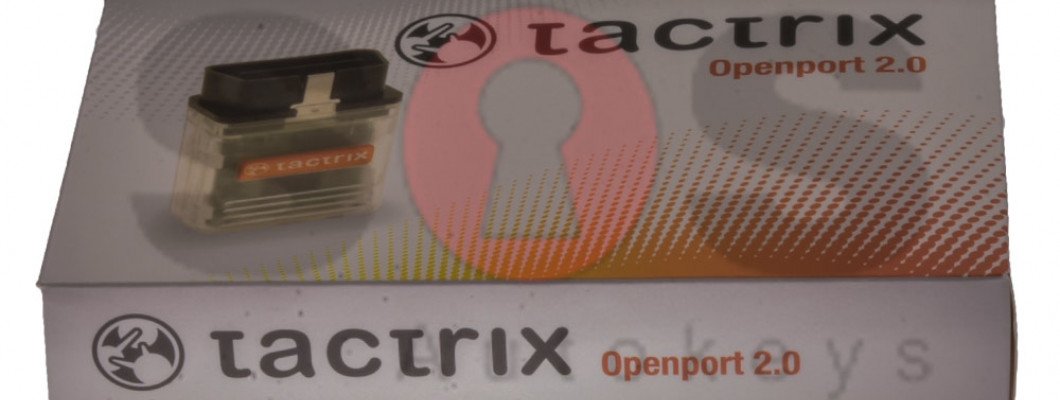
- Go to Vihicle PassThru Interfaces and double click on the "Tactrix Openport 2.0"
- If the installation was successful on the "Device status" section, there should be written "This device is working properly".
2342 Comment(s)
Really enjoyed this post.
Keep up the great work.
Appreciate your effort.
Appreciate your effort.
Great content as always.
Thanks for putting this together.
Great content as always.
Keep up the great work.
Great content as always.
Really enjoyed this post.
Really enjoyed this post.
Keep up the great work.
Keep up the great work.
Appreciate your effort.
Thanks for putting this together.
Thanks for putting this together.
Appreciate your effort.
Great content as always.
Thanks for putting this together.
Keep up the great work.
Leave a Comment